
Mobile Audio Recording Platform.
Role
Software Developer
Core Tech
Flutter & Dart
The Challenge
Recording high-quality audio on a mobile device sounds straightforward until you factor in spotty connectivity, varying hardware across Android devices, and users who need their recordings to survive a network drop. The app needed to work reliably in the field, not just in ideal conditions.
Tech Stack
The Solution
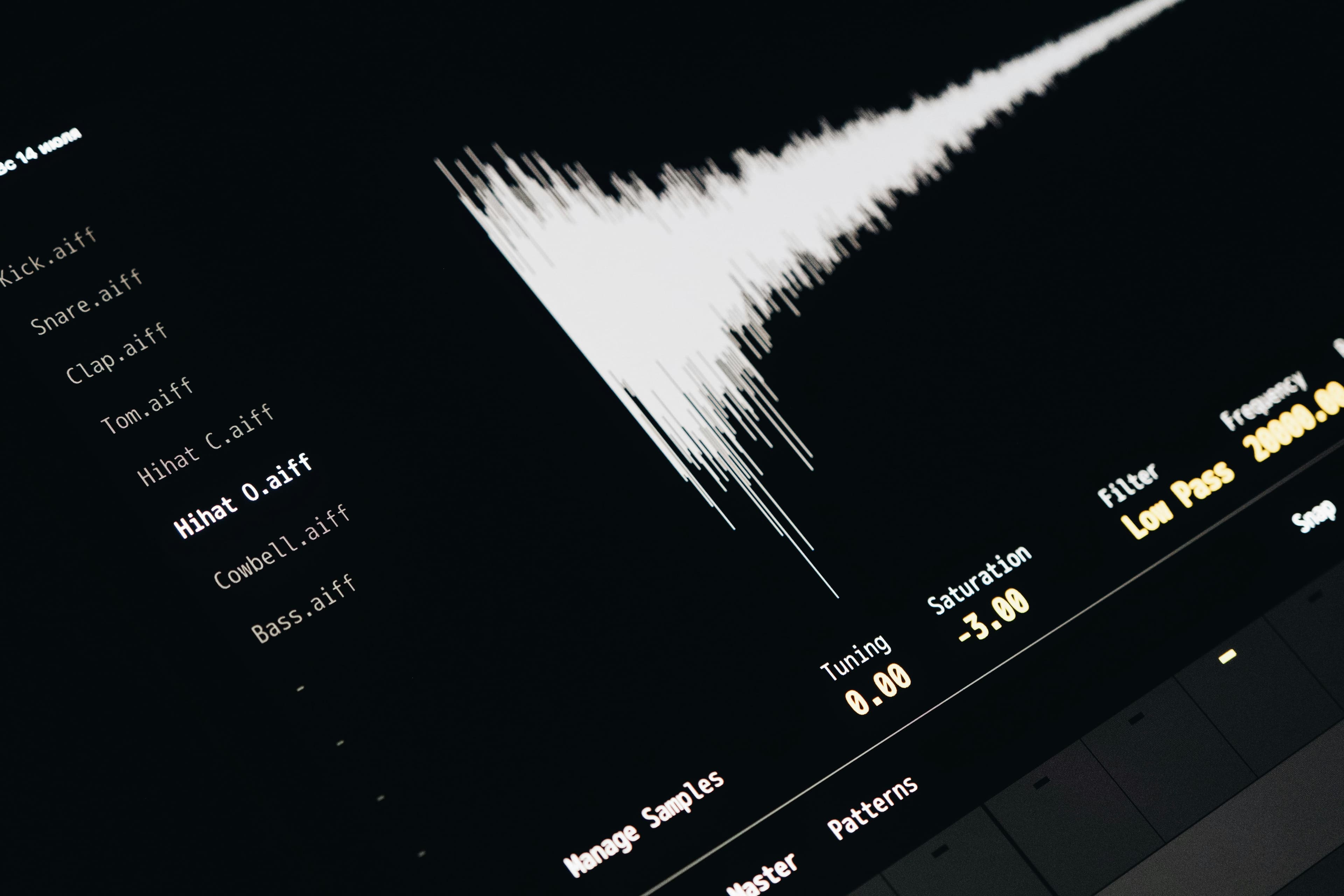
An offline-first Flutter app that captures and stores audio locally first, then syncs to Supabase when a connection is available. FFmpeg handles audio processing on-device, including format conversion and quality normalization. Nothing depends on a live connection to complete a recording.
01. Local Recording
Audio is captured and written to local storage immediately. The recording flow never waits on a network call, so there is nothing to interrupt it.
02. Audio Processing
FFmpeg runs on-device to handle format conversion, trimming, and quality normalization before files are uploaded.
03. Cloud Sync
Processed recordings upload to Supabase Storage when connectivity is available. Resumable uploads handle interrupted transfers cleanly.
Project Timeline
Platform and Library Evaluation
Testing Flutter audio packages across iOS and Android devices. Selecting FFmpeg for processing and confirming Supabase for storage.
Offline Core and Processing Pipeline
Building the local recording flow, FFmpeg integration, and the queue system that handles uploads when connectivity returns.
Testing and Final Release
Device testing across Android hardware with varying capabilities. Edge case handling for interrupted recordings and failed uploads.